Committing in a Codespace
Open your codespace
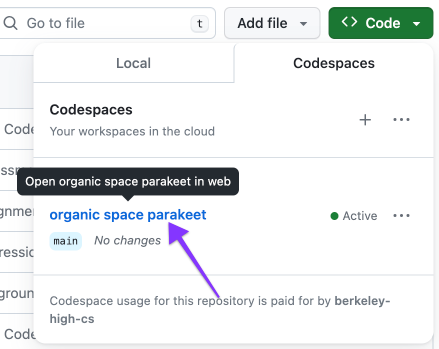
Make sure you’re in the right branch

If the place the arrow is pointing to says main, you’re in the wrong branch. Ask me for help.
Click the version control tab
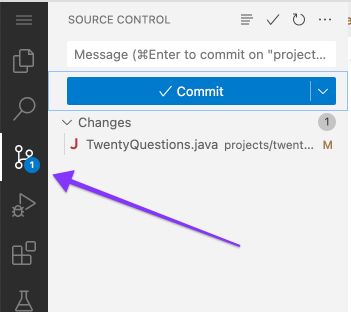
Stage change
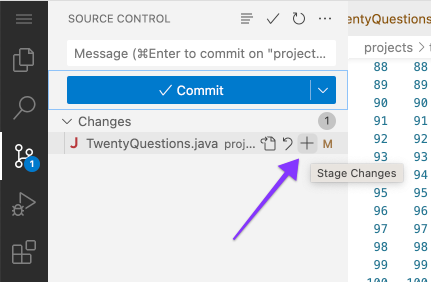
This tells git that you want to include the changes in this file in your next commit.
Write a commit message
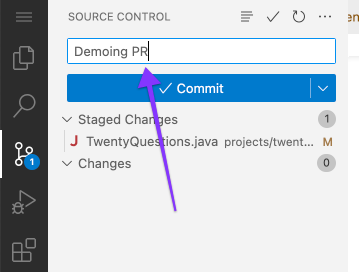
This message should describe in one line what this commit is about.
Commit changes
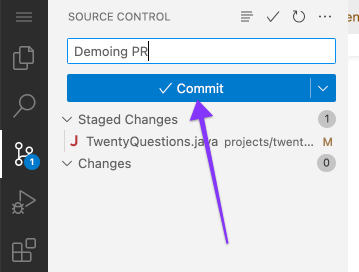
This saves your changes in the repository in your Codespace.
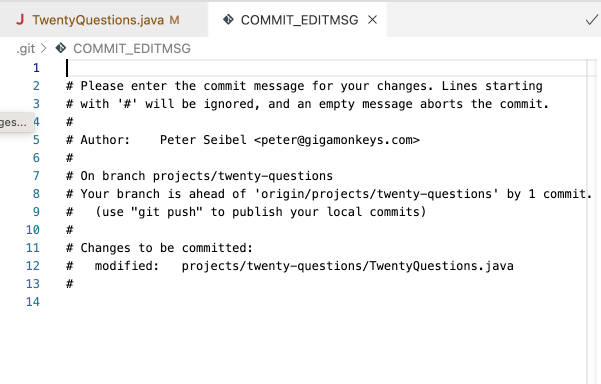
Forgot commit message?
This editor will pop up. Just X out and write your message and then click Commit again.
Sync
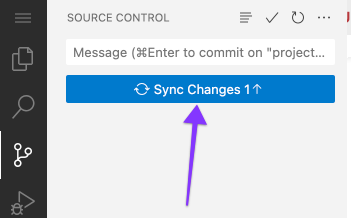
This syncs your changes from your Codespace to your GitHub repository.